
KRIHA
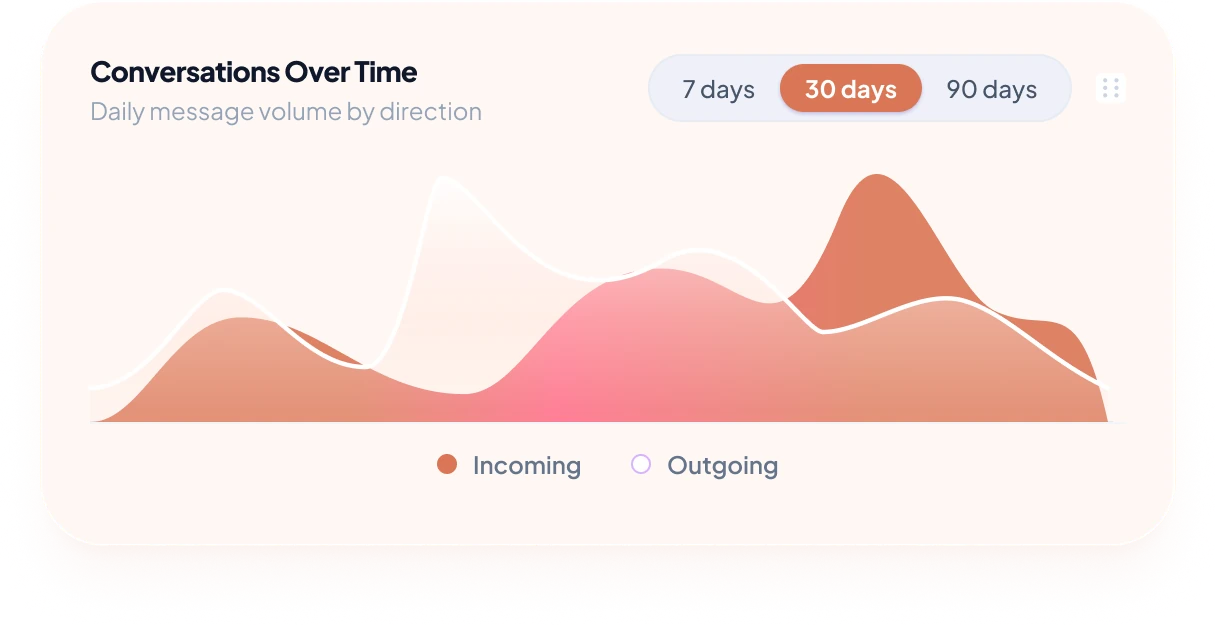
Dashboard card: Conversations over time, daily message volume by direction, incoming and outgoing
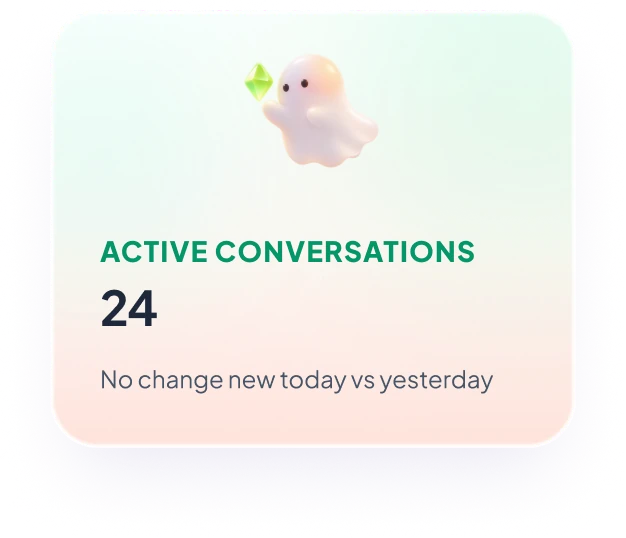
Dashboard card: Active conversations 24, no change new today vs yesterday
Dashboard card: Open deals value ₹345,000, 112 open deals
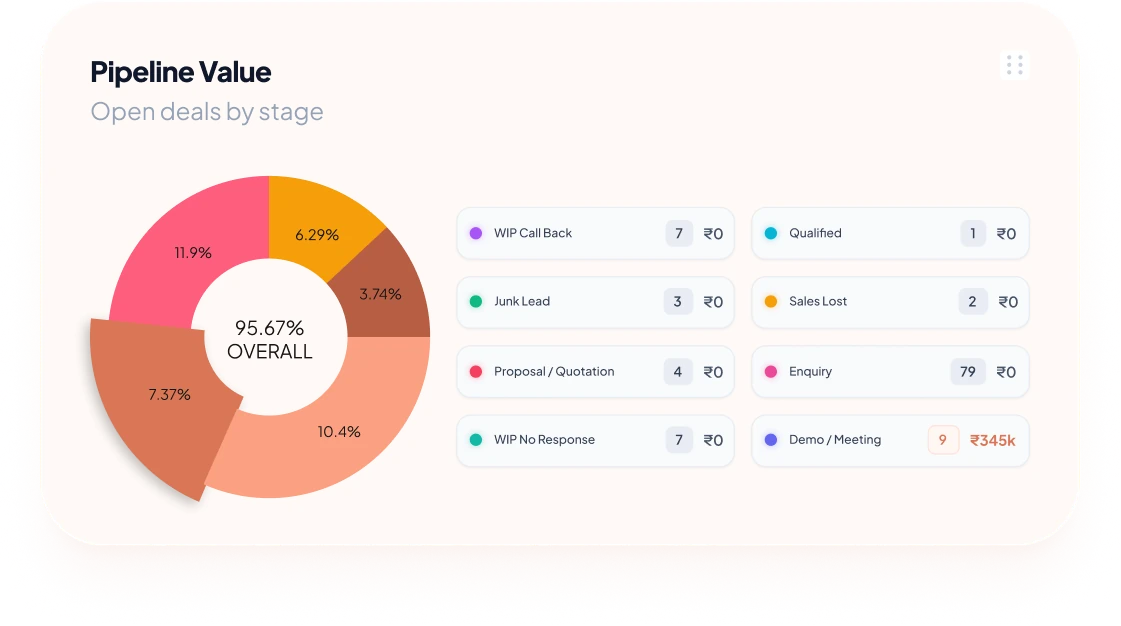
Dashboard card: Pipeline value, open deals by stage, 95.67% overall
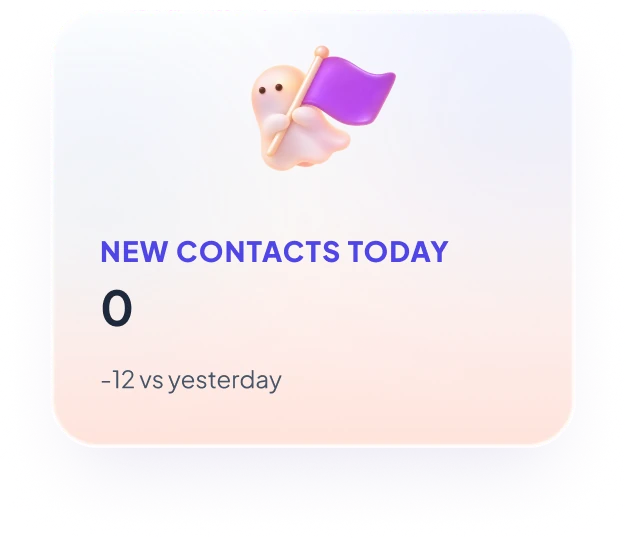
Dashboard card: New contacts today 18 (sample figure), minus 12 vs yesterday
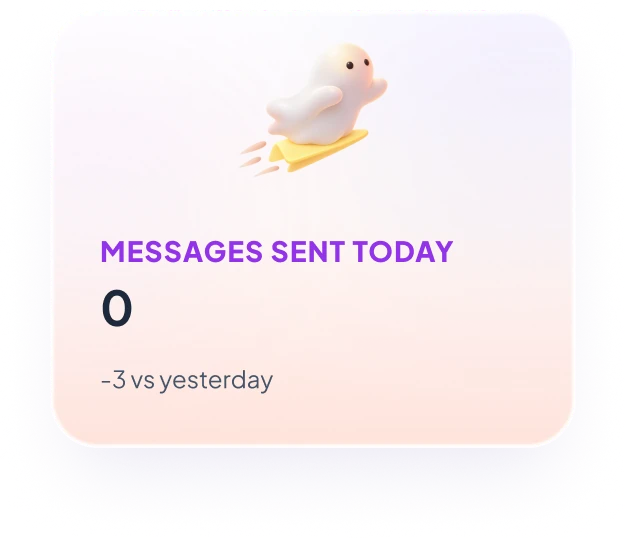
Dashboard card: Messages sent today 128 (sample figure), minus 3 vs yesterday

Kriha CRM

Capture leads, chat from a shared inbox, run broadcasts, automate follow-ups and track deals — all in one workspace.

Kriha AIKriha AI helps you analyse your Kriha CRM.

Turn WhatsApp chats into closed deals.

Official WhatsApp Cloud API · Meta Business partner-ready

Kriha CRM: capture leads, chat with customers from a shared inbox, run broadcasts, automate follow-ups with chatbot flows and AI agents, and track deals through a pipeline — all in one workspace.

Shared WhatsApp Inbox

Chat with customers from one shared inbox your whole team can work in.

  • Real-time conversations
  • Assign conversations to teammates
  • Quick replies and message templates
  • Media and files
  • Notes on every conversation
  • Conversation sidebar with contact and deal info

Automations & Flows

Automate follow-ups with trigger → action rules and chatbot flows.

  • Trigger → action rules (for example, a new lead or a stage change)
  • Run logs for auditing
  • Chatbot Flow Builder (beta): visual node builder, no code
  • Flow runs and logs
AI AgentsKriha CRM

Bring your own OpenAI or Anthropic key.

AI Agents

Automatic human handoff

Test your agent in the playground before you use it, and see how much it is used on the usage card. When a teammate needs to step in, the conversation passes to them automatically, with a summary of the chat.

  • Bring your own key — connect your own OpenAI or Anthropic key.
  • Playground — test your agent before you use it.
  • Usage card — see how much your agent is used.
  • Human handoff — the conversation passes to a teammate automatically.
  • With a summary — your teammate picks it up with a summary of the chat.

Integrations & API

  • Official WhatsApp Cloud API
  • Meta Lead Ads and Meta Conversions API (CAPI)
  • Public API — API keys (wb_...) and /v1/* endpoints for Zapier and other tools
  • AI providers: OpenAI and Anthropic

Team, Roles & Security

Invite members, role-based access, per-tenant (multi-account) isolation, SSO login and audit-friendly logs.

Lost leads, missed follow-ups, scattered tools.

Kriha CRM brings them into one workspace.

  • Leads lost in chat
  • No follow-up
  • Scattered tools
  • One workspace
Illustration of a support agent with a headset answering several chat messages on a laptop

Shared WhatsApp Inbox

Real-time conversations your team works on together.

  • Assign to teammates
  • Quick replies and message templates
  • Media, files and notes
  • Conversation sidebar with contact and deal info

TagsCustom fieldsImport

Leads & Contacts

Capture leads and convert them into contacts and deals.
  • Custom fields and tags
  • Import
  • Activity timeline
  • Soft-delete Bin with restore
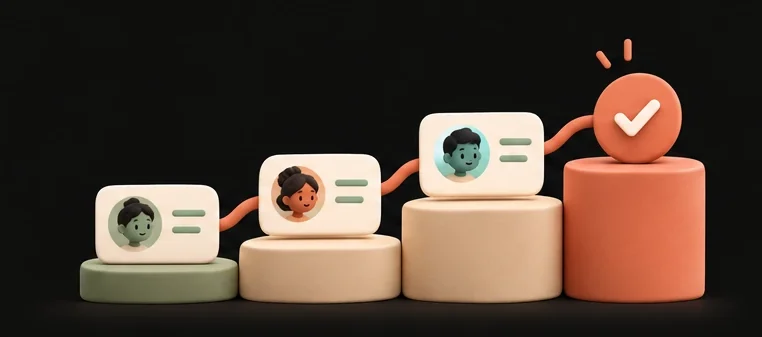
Illustration of deal cards climbing pipeline stages towards a completed checkmark

Sales Pipelines & Deals

Drag-and-drop Kanban boards across multiple pipelines and stages.

  • Deal value in your account currency
  • Pipeline donut and summary charts
  • Deal cards
Illustration of a megaphone sending one message to several contacts

WhatsApp Broadcasts

Bulk template campaigns to an audience chosen by tags.
  • Scheduling
  • Delivery status per recipient
  • Broadcast detail and analytics
  • WhatsApp billing visibility
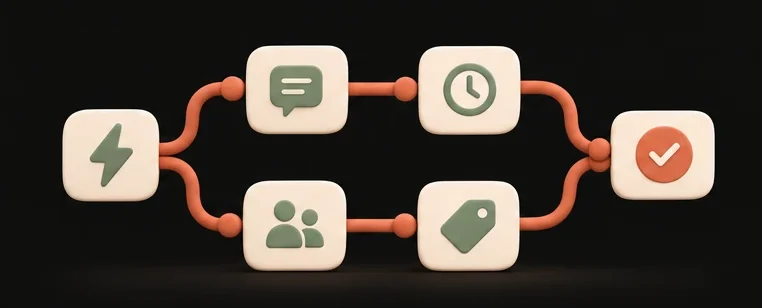
Illustration of an automation flow running from a trigger through message, wait, contact and tag steps to a checkmark

Automations & Flows

Trigger → action rules with run logs, plus a no-code chatbot flow builder (beta).

  • Triggers such as a new lead or a stage change
  • Visual node builder
  • Flow runs and logs
Illustration of a friendly AI assistant robot beside a stack of books

AI Agents

Bring your own OpenAI or Anthropic key.

  • Playground to test
  • Automatic human handoff with summary
  • Usage card

Lead Capture & Ads Tracking

Form and Facebook Lead Ads sync, with webhook sources.

  • Form Responses viewer
  • Meta Conversions API (CAPI) signal engine

Team, API & Dashboards

KPI dashboard, response-time chart, team dashboards and alerts.

  • Calendar and bookings for activities and meetings, with overlap validation
  • Invite members with role-based access and SSO login
  • Public API keys and /v1/* endpoints

How it works

  1. Connect WhatsApp

    Connect your number through the official WhatsApp Cloud API.

  2. Capture leads

    Bring in leads from forms, Facebook Lead Ads and webhook sources.

  3. Automate & close

    Follow up with automations, chatbot flows and AI agents, and move deals through your pipeline.

0:00 / 17:32
Watch Kriha CRM in action: the dashboard, shared inbox, deals and automations.

For teams that sell or support over WhatsApp

  • Real estate

  • Education

  • D2C & e-commerce

  • Clinics

  • Agencies

  • Local services

FAQ

WhatsApp setup, security, billing, API and AI keys.

  • You connect your number through the official WhatsApp Cloud API.

  • Each account is isolated per tenant, with role-based access, SSO login and audit-friendly logs.

  • Yes, you can cancel anytime.

  • Yes. Create public API keys (wb_...) and use the /v1/* endpoints with Zapier or other tools.

  • You bring your own OpenAI or Anthropic key.

Contact — book a demo

Questions or a demo request? Send us a message.

Illustration of a support agent with a headset answering several chat messages on a laptop

Turn conversations into closed deals.

Capture leads, chat from a shared inbox, run broadcasts, automate follow-ups and track deals — all in one workspace.